Alternatives to tilt.camera
200 apps like tilt.camera, closest match first.
Top picks
- S
Slant it
LaunchSlant it is a web app for turning screen recordings into 3D product videos. You start from a screen recording, pick one of the slanted 3D animation styles, adjust it and export a video or an image. The editor adds realistic reflections, dro
- F

Filmify
LaunchWhether you’re showcasing a product, creating a tutorial, or sharing a presentation, making your videos look professional shouldn’t be a hassle. That’s why we built Filmify —a simple yet powerful web app that helps you beautify any video ef
- S

SuperMotion
LaunchSuperMotion is a video editor for making promo videos from screenshots and screen recordings. You drop in a recording or an image and get a polished feature video for X, Product Hunt, a changelog or an app store preview. Auto-zoom follows y
- D

Dropshot
LaunchDropshot turns your screenshots and screen recordings into cinematic 3D device mockups and product videos. Drop an image or video, pick a device - iPhone, Android, iPad,... set the camera angle, lighting, and atmosphere, add effects, and hi
- S

Screentell
LaunchRecord your screen, camera, and audio in your browser, then edit with zooms, 3D motion, annotations, and custom layouts. No desktop app required.
- S
ScreenDemos
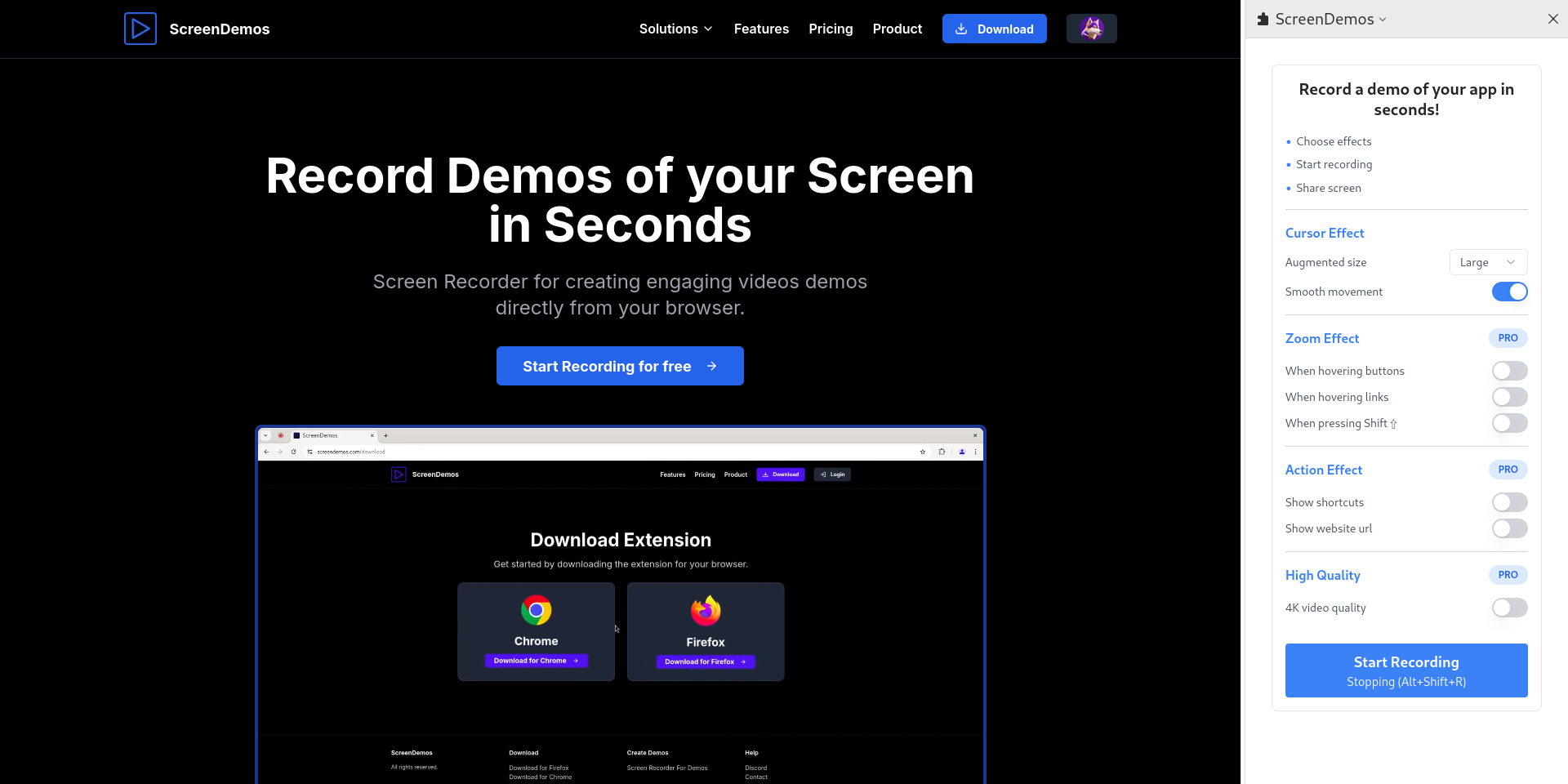
LaunchScreenDemos is an online screen recorder for making product demo videos in the browser. You install a browser extension, open its sidebar, choose recording options with effects and start recording. The app adds effects that would otherwise
Free
More like tilt.camera















remotion-best-practices
Domain-specific knowledge base for building videos with Remotion and React











About tilt.camera

tilt.camera
refilm your screencast with a 3d camera
tilt.camera is a browser tool for refilming a screen recording with a 3D camera. You drop in a local or remote screencast video, place it on a 3D device such as a laptop, phone, tablet or watch, and then direct the camera with zoom, pan and rotate moves. Keyframes on a timeline set the camera path, and you can choose a custom background colour. The site describes it as a way to build a polished promo video right in the browser, with no install and no upload. Export is available as MP4 at up to 2160p and 60 fps, or as a ZIP. A demo link on the site shows the tool in use. The listing describes it as a 3D camera for screencasts that works from different angles.
- Price
- Freemium
- Category
- Design
- Website
- tilt.camera